AFFT Toolkit
Android Firmware Full Toolkit — analyze, unpack & repack ROM firmware directly on your Android device.
No PC required. No Termux required. Fully on-device.



Android Firmware Full Toolkit — analyze, unpack & repack ROM firmware directly on your Android device.
No PC required. No Termux required. Fully on-device.
From analysis to repack — every operation runs on-device inside a project-based workspace.
Unpack & repack payload.bin OTA firmware with the payload-dumper-go engine.
Unpack & repack super.img — sparse-aware conversion handled automatically.
Extract & repack EROFS/ext4 images with mkfs.erofs, debugfs and make_ext4fs.
Unpack & repack 7 boot image types including vendor_boot with magiskboot.
Metadata-only parsers with health score, validation & recommendations — safe for 8–10+ GB images.
Every task runs as a project — create, resume, rename, delete, with chronological operation history.
Dashboard with StatusPanel, WorkspaceCard, QuickMetrics and a live, always-animated status card.
Device file browser with search, sort, multi-select, copy/move, delete, rename, properties & import.
6 theme presets, custom accent & icon colors, dynamic color, custom fonts (Inter & JetBrains Mono).
English (default) and Bahasa Indonesia — persisted across restarts.
Long values (paths, hashes, fingerprints) open a bottom sheet with copy, share & open-folder actions.
Real-time output in the sidebar, debug mode, and a log recording toggle.
A modern dark UI designed around the tools you use every day.
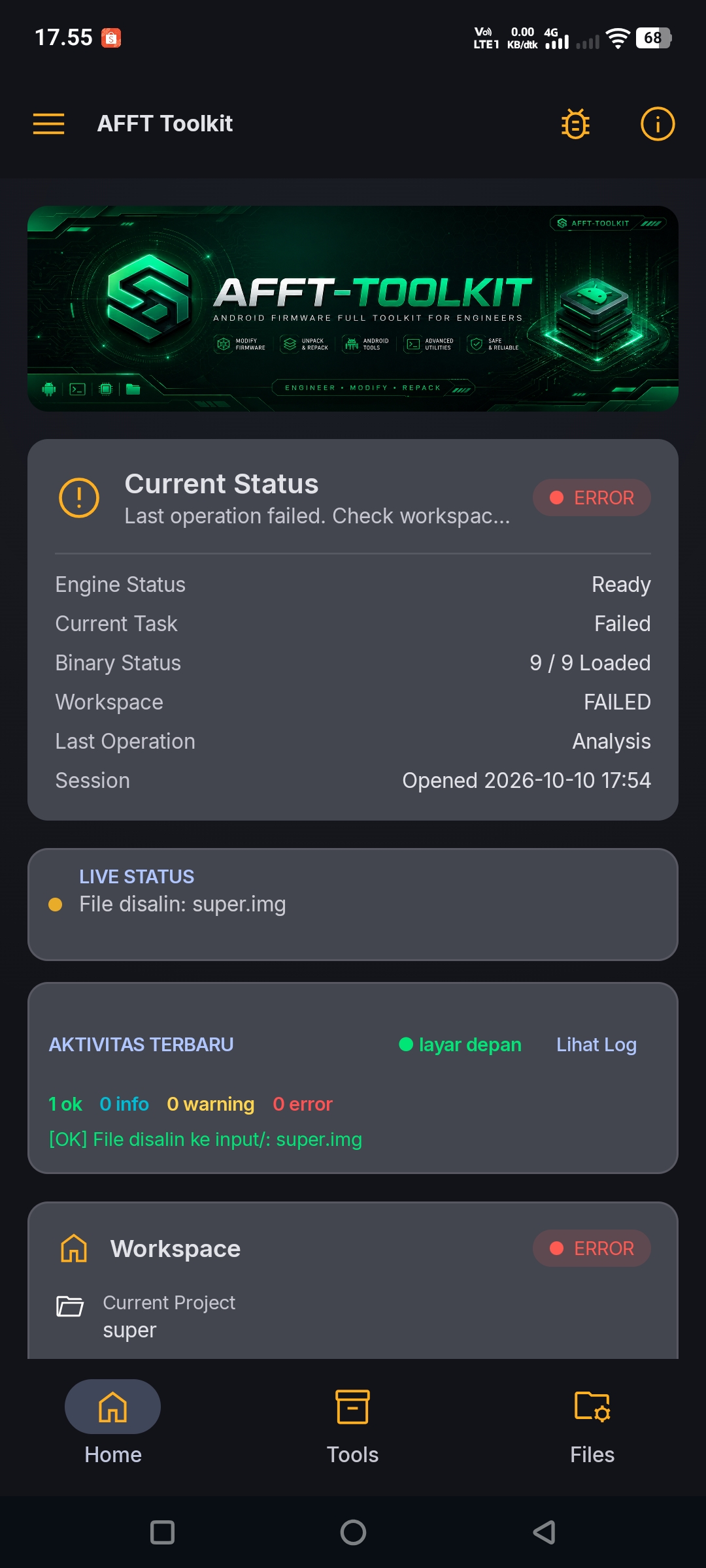
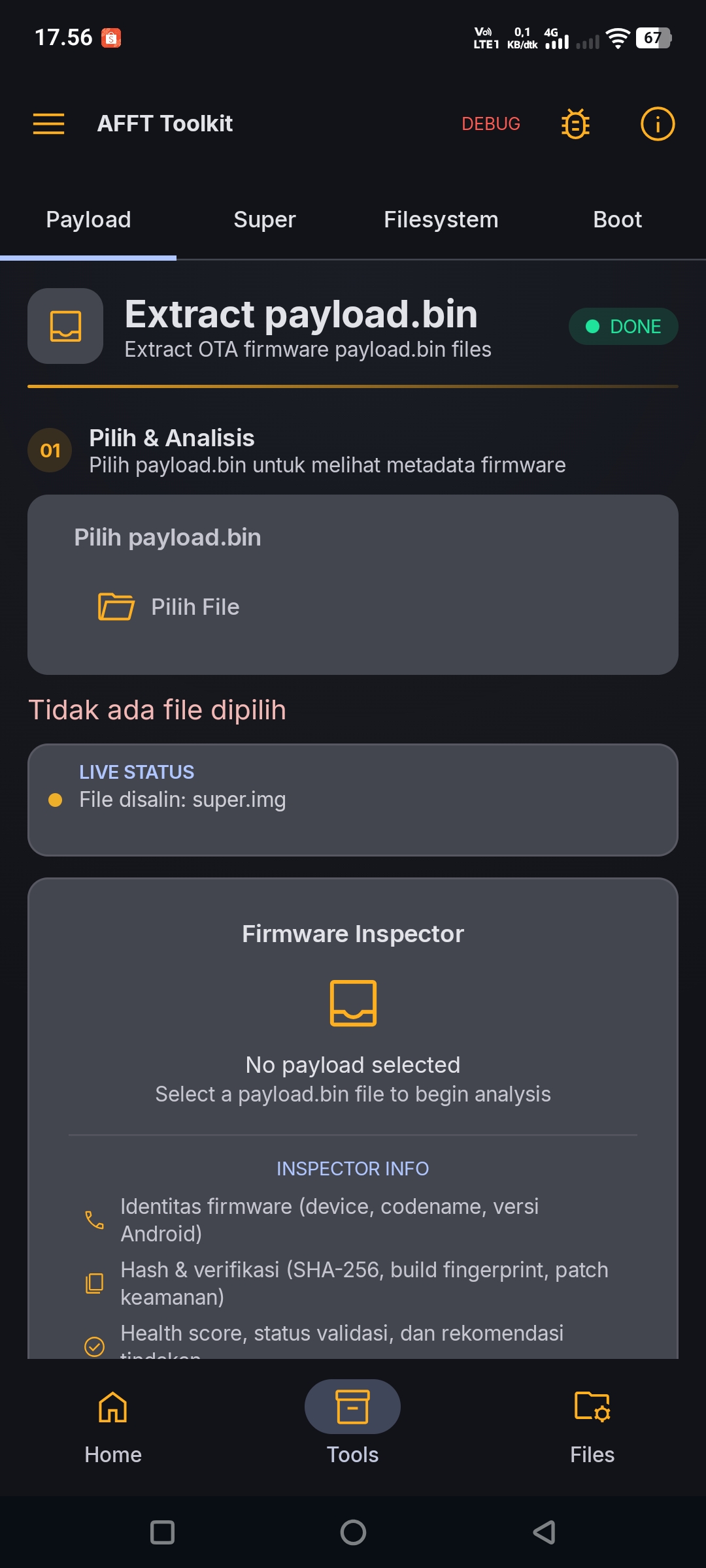
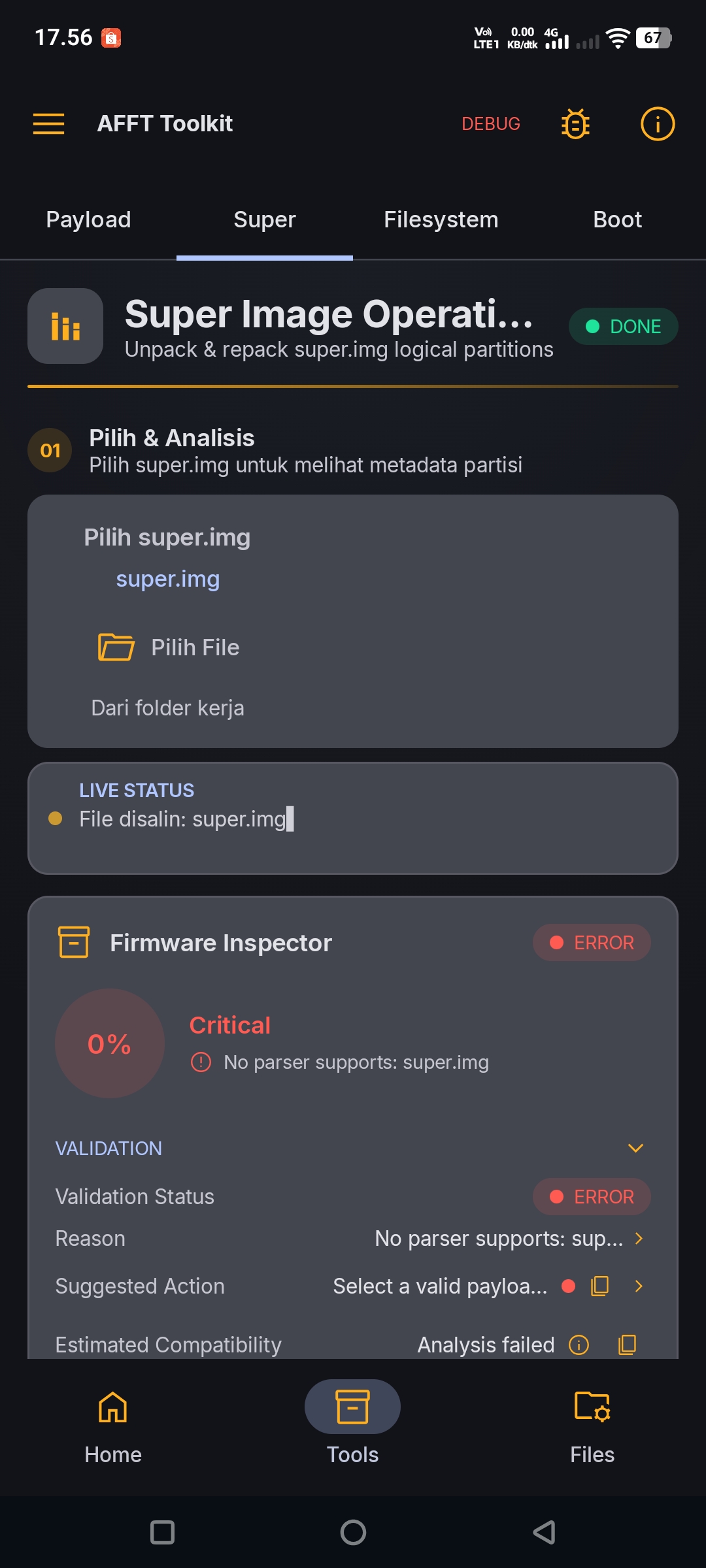
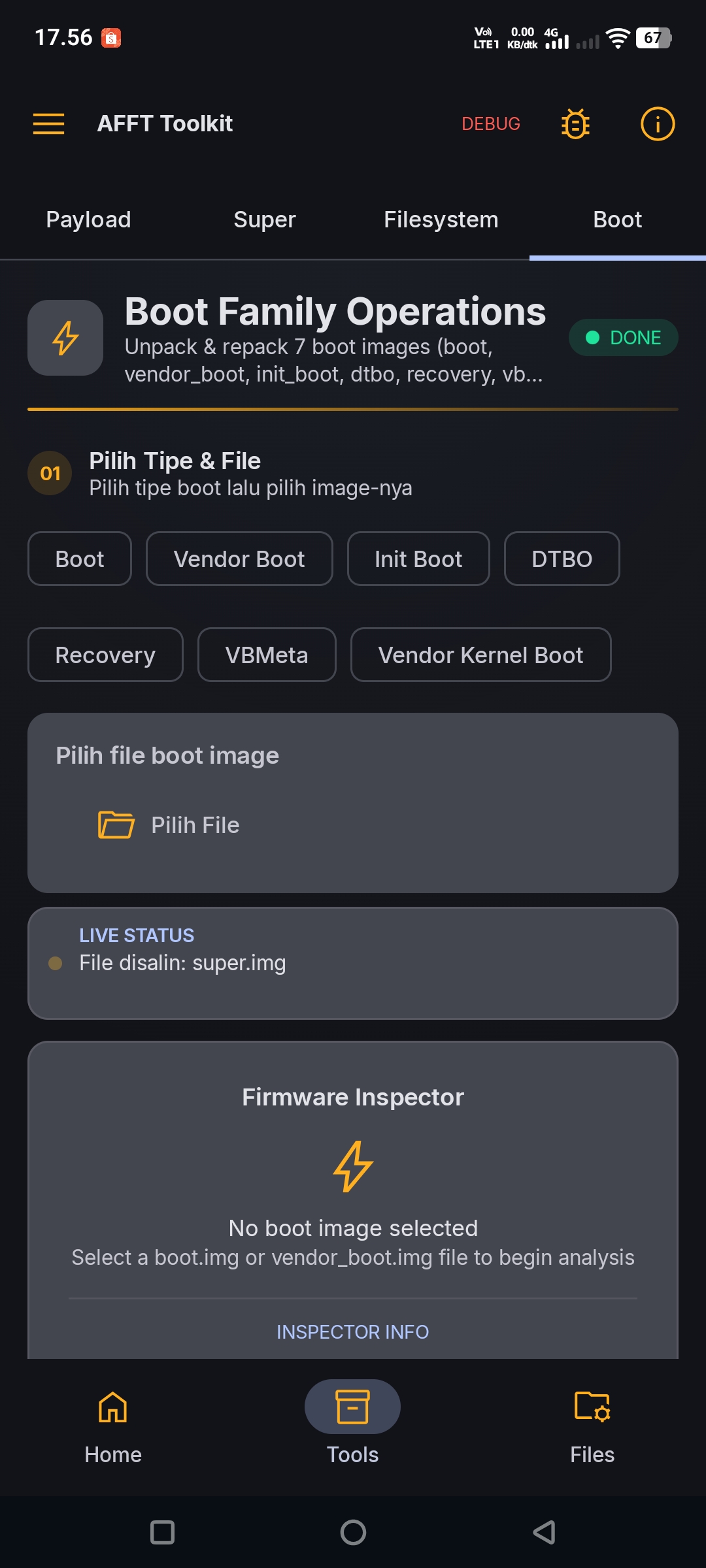
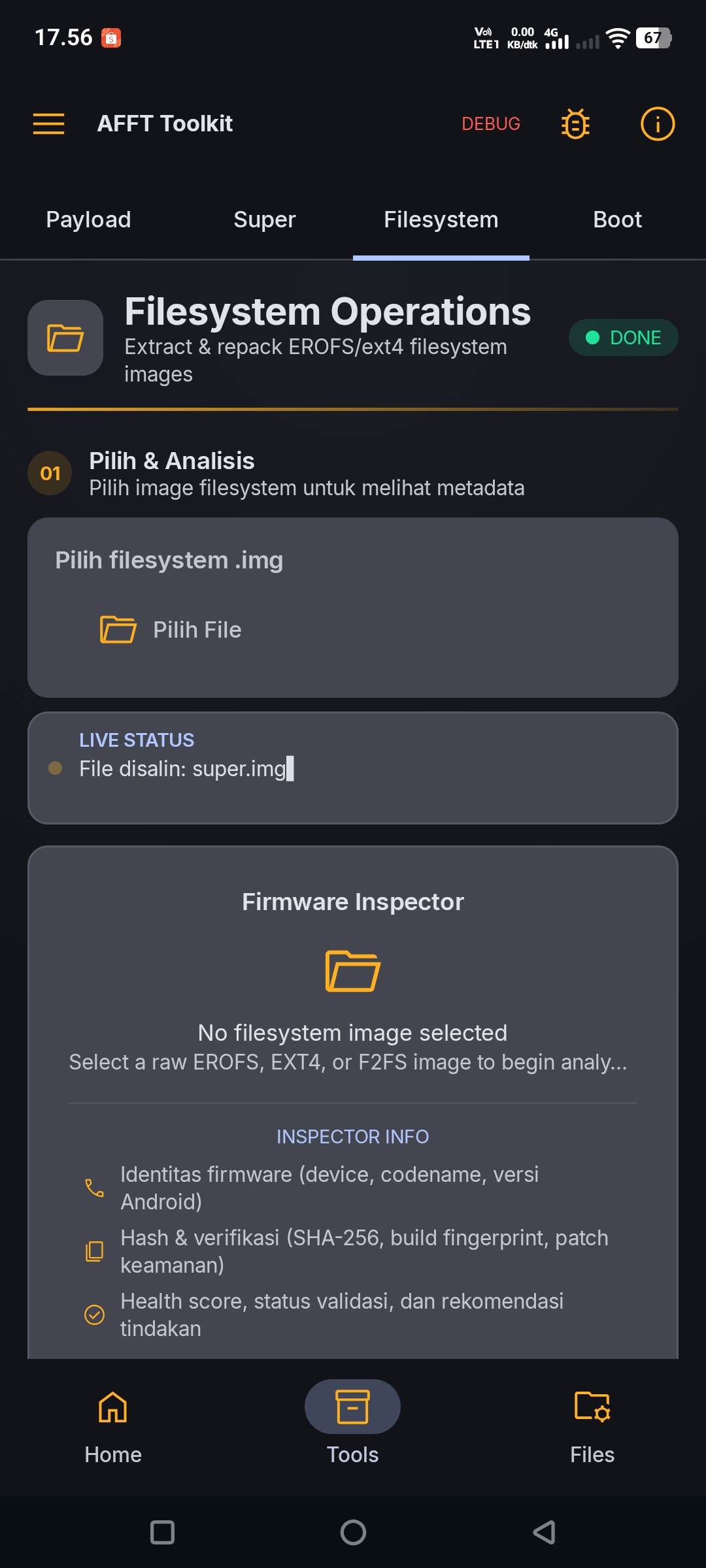
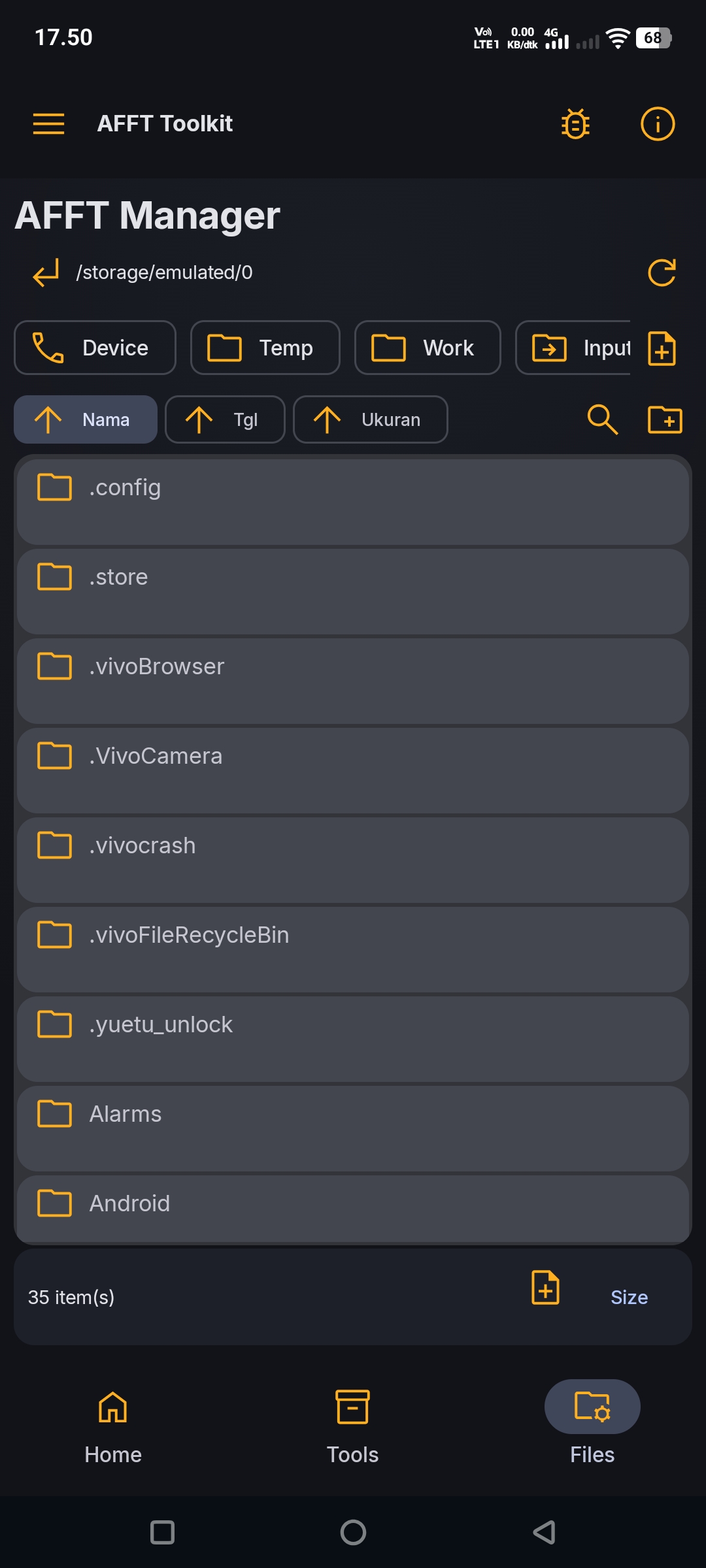
Open Payload, Super, Filesystem or Boot, then select a file from the device or import it via AFFT Manager.
Let the parsers read metadata instantly, or unpack the image into your workspace project.
Edit what you need, repack the image and export it to Download/AFFT.
Every operation belongs to a project so you can always continue where you left off.
| Requirement | Details |
|---|---|
| Android | 8.0+ (API 26) |
| Architecture | ARM64 only |
| RAM | 4 GB minimum (6 GB+ recommended) |
| Storage | At least 10 GB free for large firmware files |
| Permissions | MANAGE_EXTERNAL_STORAGE, foreground service, POST_NOTIFICATIONS |
Working files, workspaces and deployed binaries are excluded from Android Auto Backup & device transfer. Firmware images are never uploaded to cloud backup.
Download the latest APK and start analyzing ROMs on your device today.
Download APK